How to Log Food With a Photo: Calorie Tracking in 10 Seconds (No More Guessing Portions)
A photo will not read your plate to the gram. What it does is kill the guesswork and the drop-off, and that is the part that actually decides whether tracking works.
10 min readUpdated March 2026
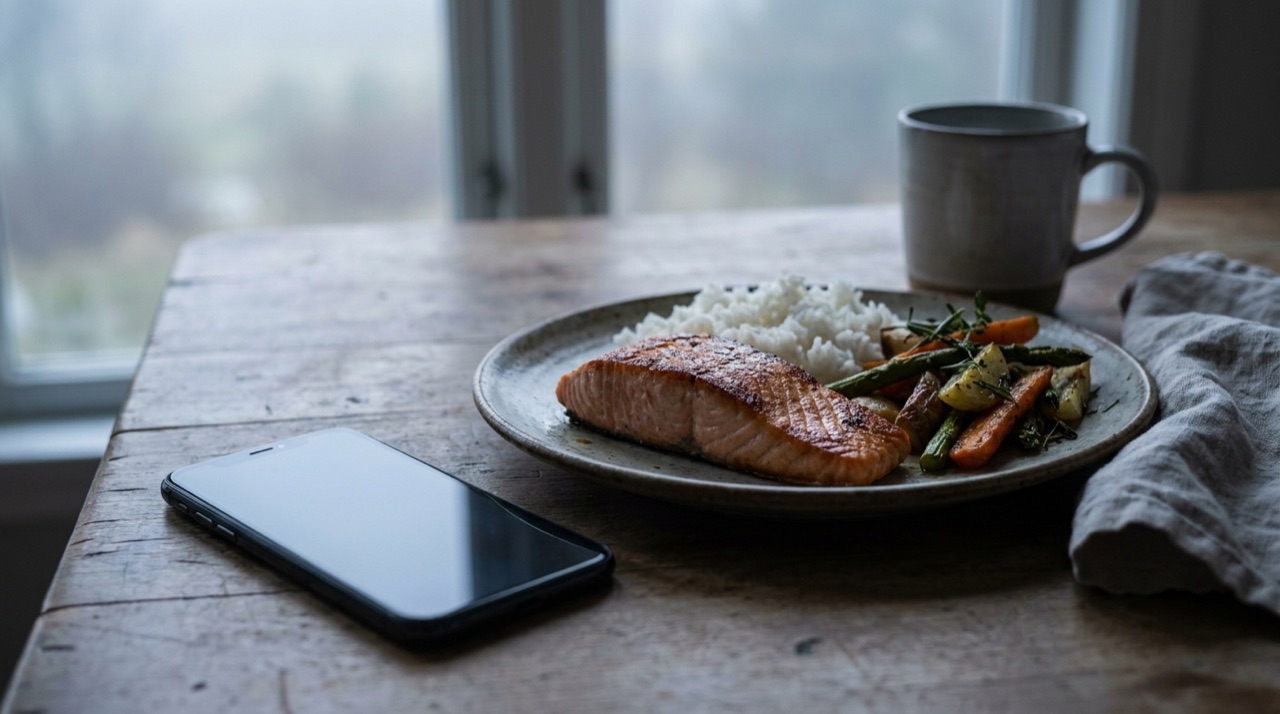
It is the third night this week you have stood over a plate with your phone out, trying to decide whether that is 120 grams of chicken or 180. You settle on a number because you have to pick one, log it, and quietly suspect it is wrong. By Thursday the whole ritual feels like homework, and homework gets skipped. That is how most calorie tracking dies. Not from a bad diet - from the friction of guessing portions meal after meal.
The usual advice is to weigh everything on a kitchen scale. It works, and almost nobody keeps it up. So the honest question is not "how do I log food perfectly", it is "how do I log food quickly enough that I still do it in three weeks". A photo calorie counter answers that. You point the camera, the app proposes what is on the plate and its portions, and you tap to confirm. Ten seconds, not two minutes.
Here is the part the app-store screenshots never say out loud: a photo does not measure your food. It estimates it. The value is not gram-perfect accuracy. It is that it removes the two things that actually break tracking - the guessing and the giving up.
Why portion guessing is the thing that breaks tracking
Tracking does not fail because people do not care. It fails because it is tedious, and the tedium is almost entirely in the portions. Naming the food is easy - you know it is salmon. Deciding it is 140 grams and not 200 is the bit that stalls you, and you do it a dozen times a day.
That friction has a measured cost. Payne and colleagues, writing in Obesity Science & Practice, followed 90 adults using an app to log their food over eight weeks. People self-monitored on an average of just 28 of 56 days - about half the time - and adherence fell as the weeks went on because, in the authors' words, the practice is labour-intensive. The same study found the habit was worth keeping: logging at least one item on three or more days a week was significantly linked to weight loss.
Read those two findings together. Consistency helps, and consistency is exactly what collapses under friction. So the highest-leverage change is not a more precise method. It is a faster one - one you will still be doing in week six. A photo is that faster method.
How photo calorie counting actually works (and how honest to be about it)
When you photograph a plate, an AI calorie counter does two jobs. First it recognises the foods - salmon, rice, greens. Then it estimates how much of each is there, and maps that to calories and macros. The recognition step is the reliable one. The portion step is the hard one, and it is where you should keep your expectations calibrated.
The best evidence we have is a systematic review by Shonkoff and colleagues in Annals of Medicine, which pooled 52 studies comparing AI image-based dietary assessment against a known ground truth. The headline is a wide one: average relative errors ran from 0.10% to 38.3% for calories and from 0.09% to 33% for volume. In plain terms, on a good, simple plate the estimate can be close to exact; on a messy, mixed one it can be a third out.
The same review found the pattern that tells you how to use the tool: error was smaller for single, simple foods and larger for multiple foods piled together. A grilled chicken breast next to plain rice reads well. A stew, a curry, a loaded burrito - anything where the food is stacked, mixed or hidden - reads worse.
So here is the honest framing, and it is the one Pocket Fit's Fuel uses too. Treat a photo estimate as a high confidence match on the identification and a good first draft on the portion, not a gram-perfect reading. The app proposes; you glance and correct. That is not a weakness of the method - it is how you use it well.
Where a photo runs out: barcode, label and search
A photo is the fast default, not the only tool. For the foods it reads worst, you have three cleaner fallbacks, and a good food scanner app keeps them one tap apart.
- Barcode. Anything packaged - yoghurt, a protein bar, a ready meal - scan the barcode and you get the manufacturer's own numbers straight off the label. This is the most accurate input there is, so reach for it whenever a barcode exists.
- Nutrition label. No database match for the barcode? Photograph the nutrition panel itself and let the app read the per-100g figures. Useful for own-brand and foreign products.
- Search. For a coffee, a restaurant dish or a home recipe with no barcode, type the name and pick from the database, then adjust the portion by hand.
The skill is matching the input to the food. Whole, mixed home cooking - photo. Packaged - barcode. Odd or foreign packaging - label. Everything else - search. You are not choosing one method for life; you are picking the fastest accurate route for the plate in front of you.
A worked example: logging a salmon plate
Take a normal dinner - a fillet of salmon, a portion of rice, a handful of roasted vegetables with a little oil. You photograph it. Here is roughly what a sensible estimate looks like, and how you would sanity-check it.
- Salmon, ~150g: about 300 kcal, 30g protein, 0g carbs, 19g fat.
- Cooked white rice, ~180g: about 235 kcal, 5g protein, 51g carbs, 0g fat.
- Roasted vegetables with oil, ~120g: about 120 kcal, 3g protein, 12g carbs, 7g fat.
That plate lands near 655 kcal, 38g protein, 63g carbs and 26g fat. The app fills those numbers in for you from the photo in seconds. Your only job is the sanity check: does that look like a 150g fillet or a 200g one? If the salmon is bigger, nudge the portion up and the macros move with it. You are not inventing the numbers from scratch - you are approving or tweaking a draft, which is a ten-second decision instead of a two-minute one.
Notice what happened to the protein. Because you logged it, you can see the plate delivered 38g, and if your target was 45g you know to add a spoon of Greek yoghurt after. That is the real payoff of tracking - not the guilt, the visibility.
Where Pocket Fit's Fuel fits
Fuel is the nutrition tool inside Pocket Fit. You scan a plate or a barcode, check the protein, carbs and fat, and move on. The design rule is deliberately gentle: no red numbers and no shame. Going over on a day is information, not a verdict, and the tool shows it that way so you keep logging instead of hiding from it - which, given how adherence decides everything, is the whole game.
It also does not live on its own. In Pocket Fit, what you eat sits in the same place as what you lift. Every logged meal feeds your Body budget - the running tally of four deposits: your workout, your streak, your sleep and your nutrition - so food is one input into your day rather than a separate app you forget to open. One honest note: the nutrition tab is a separate add-on to the base training app, not bundled in by default.
Put it together
Two things decide whether calorie tracking works, and neither is precision. The first is speed - a method fast enough that you still do it in week six. The second is honesty about what the tool can and cannot do. A photo calorie counter is fast, and used well it is honest: a high confidence match on what the food is, a good first draft on how much, and one tap from you to confirm. For packaged food you drop to a barcode; for the rest you photograph, glance and correct.
That is why Fuel works the way it does. It gives you the fast input, keeps the numbers judgement-free, and files your food alongside your training in the Body budget so the whole picture updates week to week from what you log. Pocket Fit exists because its founder lived the version where tracking felt like punishment and quietly quit - and built the version that does not. Georgi went from 122 kg to winning first place at The Yard Games, losing 38 kg along the way, and the app is shaped by the weeks that were hard, not the ones that were easy. You can read that in our story.
If you have been guessing portions and dreading the logging, that is not a discipline problem. It is a friction problem, and a photo is the fix.
Photo food logging: common questions
How do you track calories from a photo?
You photograph the plate and the app runs an AI calorie counter over it - first identifying the foods, then estimating portions and mapping them to calories and macros. It proposes the numbers and you confirm or adjust the portion. On a simple plate this takes about ten seconds, versus the minutes it takes to weigh and log by hand.
How accurate is a photo calorie counter?
Accurate enough to be useful, not gram-perfect. The largest review of AI image-based dietary assessment found calorie errors ranging from 0.10% to 38.3% against a known ground truth, with the smaller errors on single, simple foods and larger ones on mixed dishes. Treat a photo as a strong first draft you sanity-check, and use a barcode for packaged food where you want exact numbers.
Is logging food with a picture better than weighing it?
Weighing is more precise, but the review evidence shows adherence, not precision, is what drives results - and people log on only about half the days when the method is laborious. A photo is far faster, so you are more likely to keep doing it, which for most people beats a precise method they abandon in three weeks.
What foods does a food scanner app read worst?
Mixed and hidden foods - stews, curries, loaded wraps, anything stacked or blended - because the portion estimate has to guess at what it cannot see. For those, photograph then correct the portion, or switch input: scan the barcode if it is packaged, or search the dish by name and set the portion yourself.
Does Pocket Fit include photo food logging?
Yes - it is the Fuel tool, which offers photo, barcode, nutrition-label and search input, and shows protein, carbs and fat with no red numbers and no shame. Your meals feed the Body budget alongside your training. Note that the nutrition tab is a separate add-on to the base Pocket Fit training app.
References
- Shonkoff E, Cara KC, Pei X, Chung M, Kamath S, Panetta K, Hennessy E (2023). AI-based digital image dietary assessment methods compared to humans and ground truth: a systematic review. Annals of Medicine, 55(2), 2273497. DOI: 10.1080/07853890.2023.2273497
- Payne JE, Turk MT, Kalarchian MA, Pellegrini CA (2021). Adherence to mobile-app-based dietary self-monitoring - impact on weight loss in adults. Obesity Science & Practice, 8(3), 279-288. DOI: 10.1002/osp4.566
Pocket Fit is a fitness and wellbeing app, not a medical device. It does not diagnose, treat or prevent any condition. Always consult a qualified healthcare professional before starting or changing a training or nutrition programme, and if you have persistent problems with sleep, pain or fatigue. Georgi, founder of Pocket Fit. He went from 122 kg to winning first place at The Yard Games, having lost 38 kg along the way.
Related articles
Free tools
Train smarter with Pocket Fit
Download the app